 Darkkal44
2.1 KiB
2.1 KiB
Adblock
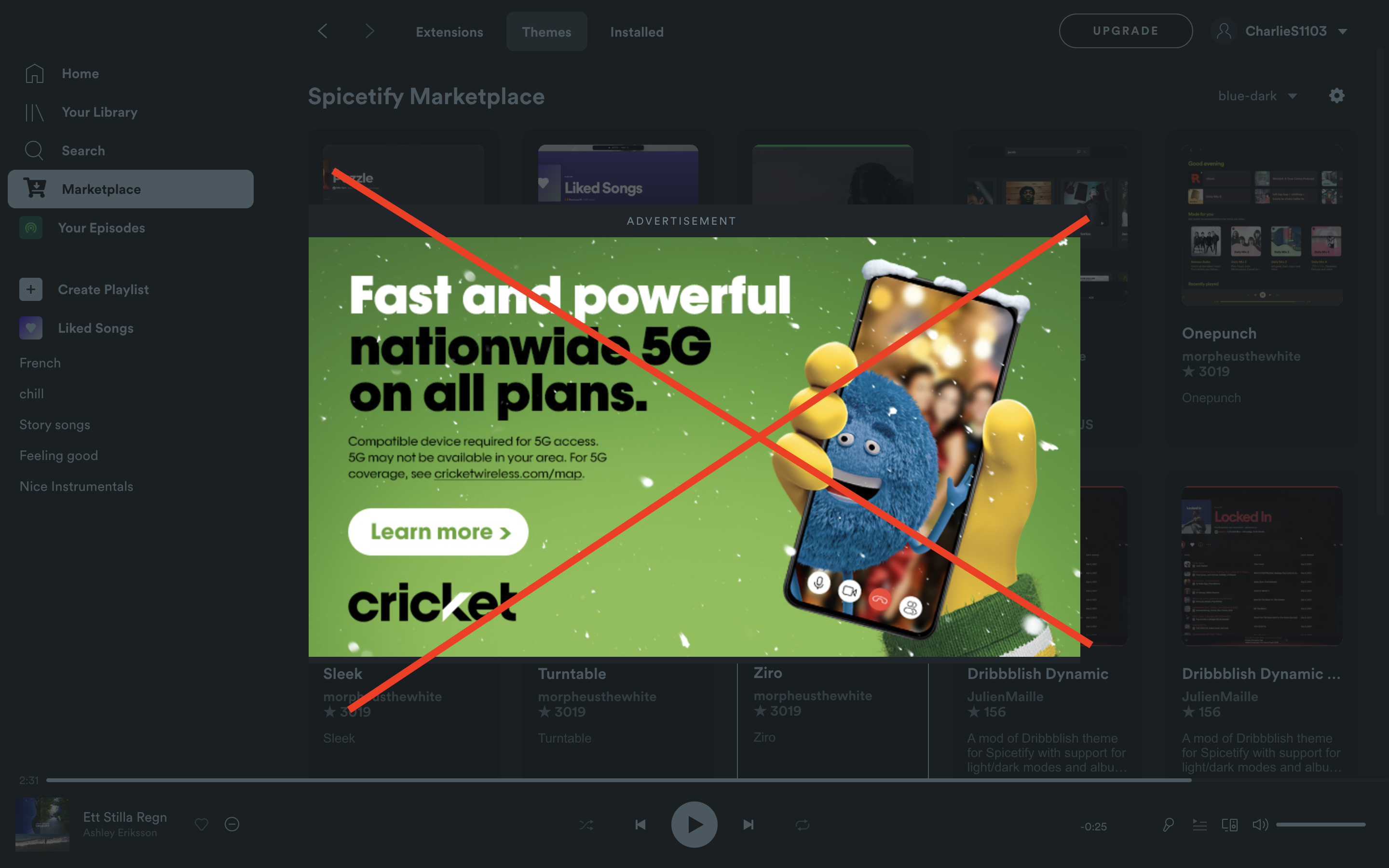
Spicetify extension to block all audio ads and UI ads
- Simply run the extension and it will work!
Install
Copy adblock.js into your Spicetify extensions directory:
| Platform | Path |
|---|---|
| Linux | ~/.config/spicetify/Extensions or $XDG_CONFIG_HOME/.config/spicetify/Extensions/ |
| MacOS | ~/spicetify_data/Extensions or $SPICETIFY_CONFIG/Extensions |
| Windows | %appdata%\spicetify\Extensions\ |
After putting the extension file into the correct folder, run the following command to install the extension or install through marketplace:
spicetify config extensions adblock.js
spicetify apply
Note: Using the config command to add the extension will always append the file name to the existing extensions list. It does not replace the whole key's value.
Or you can manually edit your config-xpui.ini file. Add your desired extension filenames in the extensions key, separated them by the | character.
Example:
[AdditionalOptions]
...
extensions = autoSkipExplicit.js|shuffle+.js|trashbin.js|adblock.js
Then run:
spicetify apply
Usage
Toggle in the Profile menu.
More
🌟 Like it? Gimme some love!

If you find any bugs, please create a new issue on the GitHub repo.
